Fairplay Official: App Navigation And Mobile Readiness
A mobile experience should be understandable beyond its opening screen. Check the tasks you will actually need to complete.
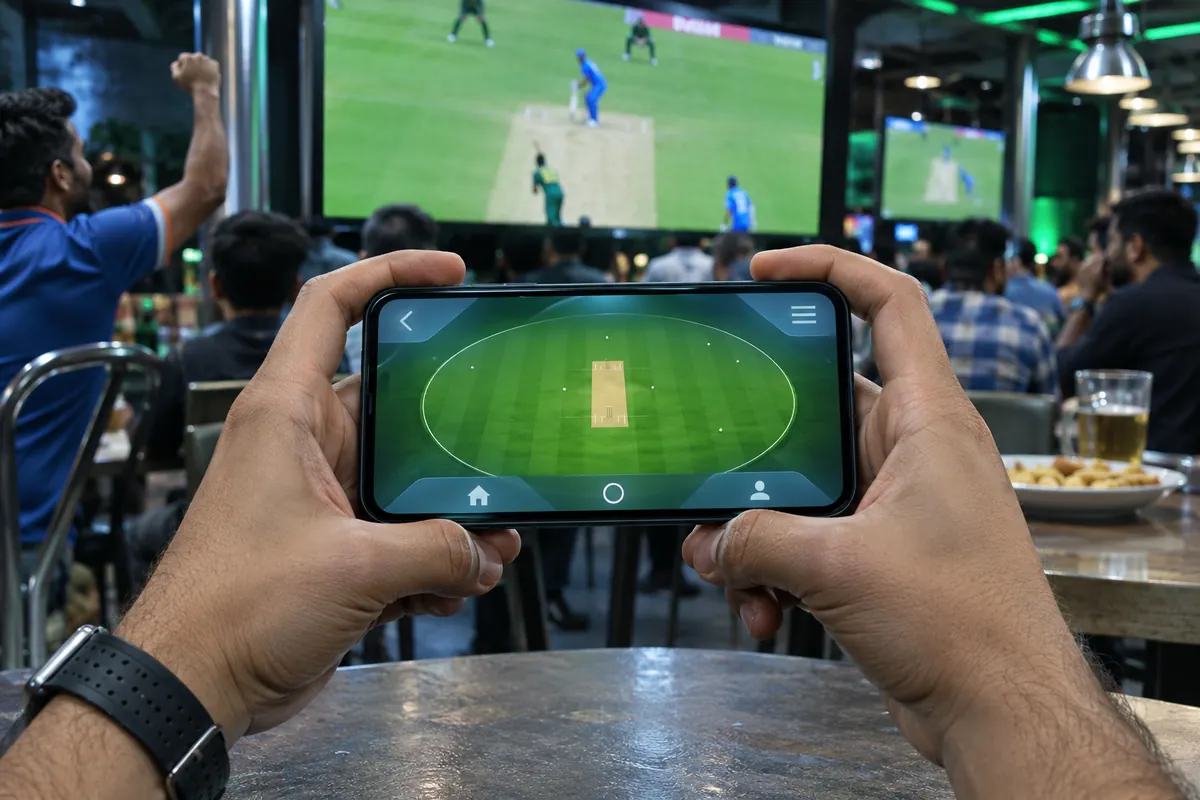
Fairplay Official: Review The Mobile Tasks That Matter
Before relying on a mobile interface, find the rules, account menu and history area. Check whether text is readable and whether a selected option remains clear at your screen size.
A browser page, home-screen shortcut and installed application can look similar. Identify the method described by the publisher before following installation or update instructions.
| Task | Useful Mobile Check |
|---|---|
| Read Conditions | Text Fits And Can Be Expanded |
| Review A Selection | The Current Setting Is Clear |
| Find A Record | History And References Are Readable |
| Change A Setting | The Result Is Confirmed |
| Ask For Help | The Relevant Detail Can Be Located |
Prepare The Device
- Check the supported software version.
- Confirm the distribution source or website address.
- Review storage and connection requirements.
- Understand requested permissions.
- Know how the designated update process works.
- Retain access to the account-confirmation contact.
An Android installation file is not an iPhone application. A home-screen shortcut does not by itself establish that an app-store product was installed.
Describe A Problem By Its First Symptom
Separate a download failure from an installation warning, an opening problem or a rejected sign-in. Those stages can require different next steps.
If one supported access method works while another does not, include that comparison. State the device and software version, then quote the first relevant message instead of describing only the final impression that the app is unavailable.
Review Permissions And Notifications
A permission request should have a purpose related to the feature being used. Read the explanation and revisit temporary installation settings after setup.
A notification can describe a new requirement, an update or a recorded status. Open the relevant account area through the confirmed route rather than treating every unexpected message as authenticated.
Keep The Illustration Separate From The Product
The image on this page is conceptual mobile artwork. It does not verify an application's screen design, distribution or available features.
This website does not host an installation file or collect credentials. Confirm actual compatibility and instructions with the responsible publisher before changing a device setting or downloading software.
App Questions
What Should I Check Beyond The Opening Screen?
Find the rules, current selections, account settings and history entries you expect to use.
Does A Home-Screen Icon Prove An App Is Installed?
No. It can also represent a browser shortcut.
What Helps Explain A Setup Failure?
The device, software version and first failed stage usually add useful context.